Solutions that make your trade easier
What does fi/code TradingView indicators do?
Panels are designed to help you manage your positions like professional traders, monitor the market and your trades, and save you time.
Other trading indicators automatically shapes possible trade setups using formulas. They are ideal for traders looking to catch market trends and reversals early. Its main purpose is to increase your probability prediction potential by incorporating it into your trading strategy.
We hope to prevent beginner traders from being swept away by the waves.
* For membership and purchase options, please visit our Whop page.
Indicators
Day Trade Terminal
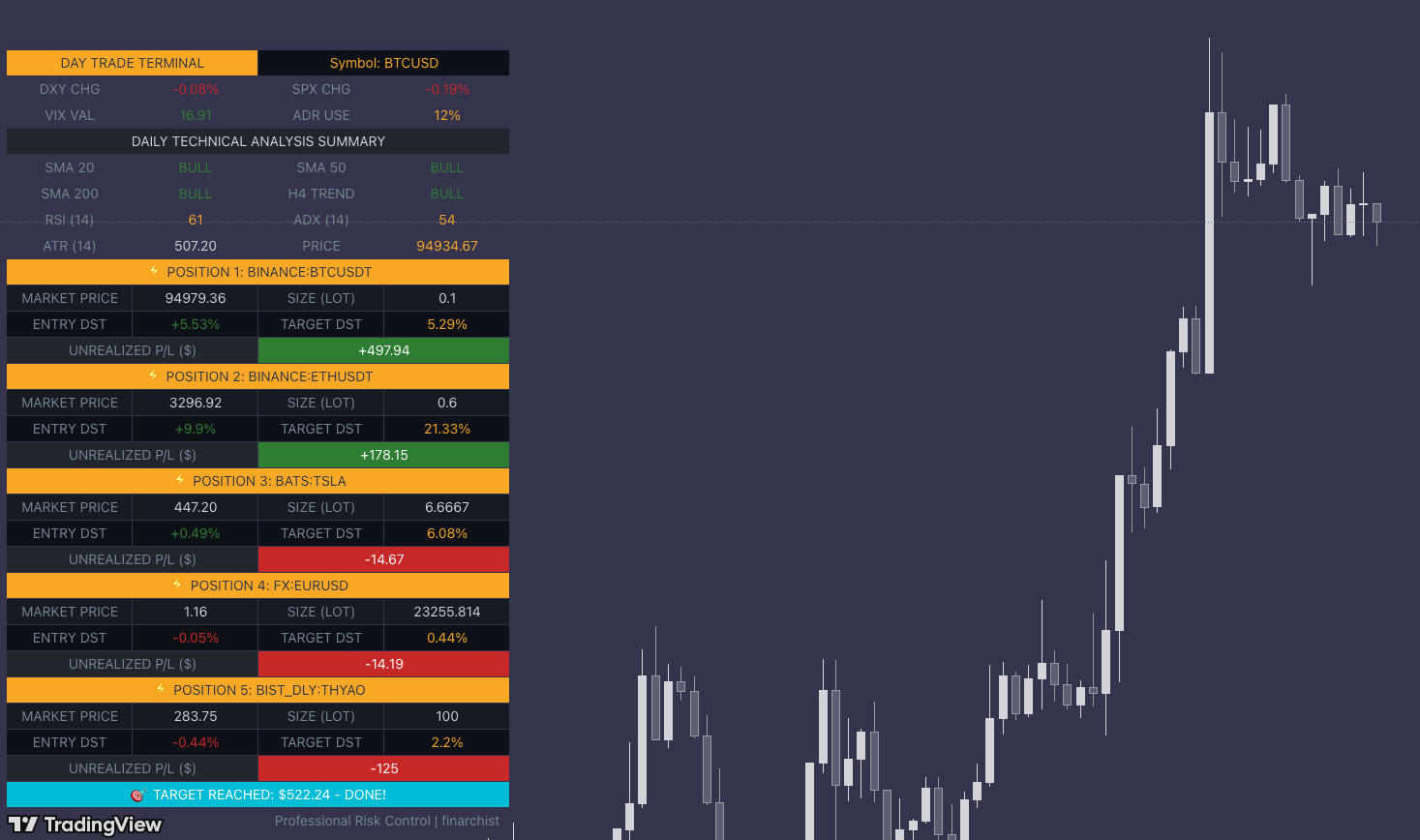
The Ultimate Command Center for Disciplined Trading: The Day Trade Terminal is a professional-grade management dashboard designed to sit right on your TradingView chart. It transforms your workspace from a simple price chart into a sophisticated Institutional Trading Desk, giving you the same data oversight used by professional fund managers and prop firm traders.
Risk Management/Multi-Tiered Position Terminal
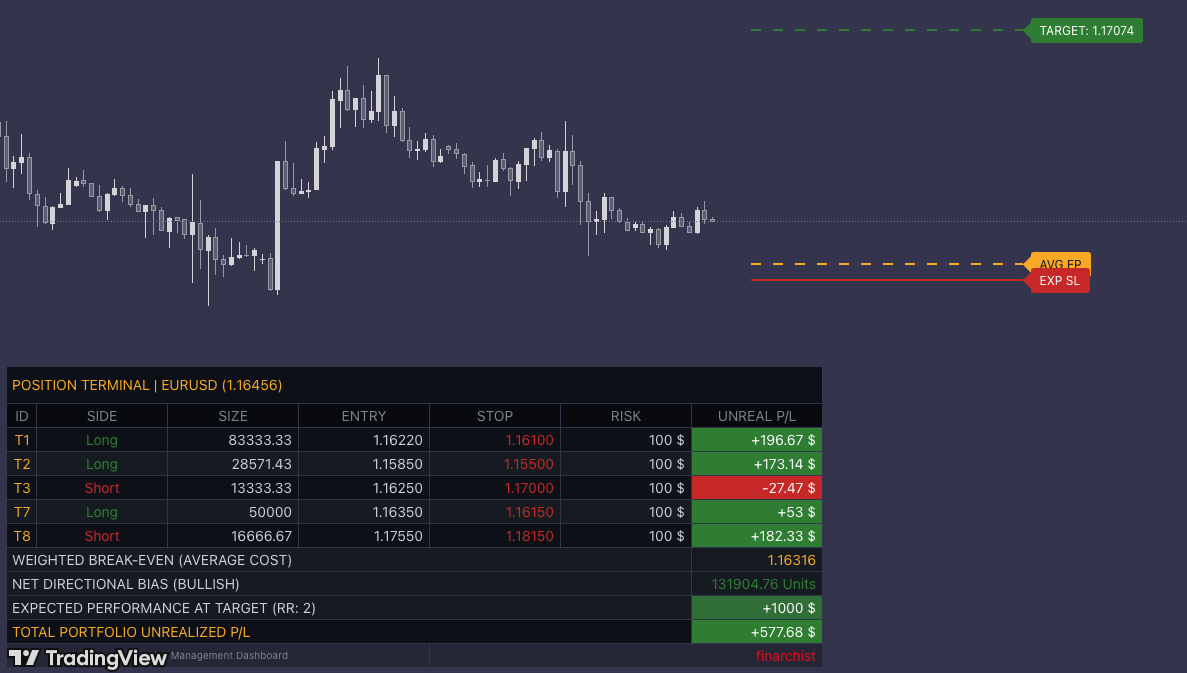
This script, titled "finarchist | Risk Management/Multi-Tiered Terminal," is a professional-grade trading dashboard designed to transform how you manage complex trade entries. Unlike standard calculators, this terminal acts as a "mission control" for multi-tier positions, allowing you to scale into trades while maintaining absolute control over your risk.
Personal Trade/Market Sentinel Dashboard
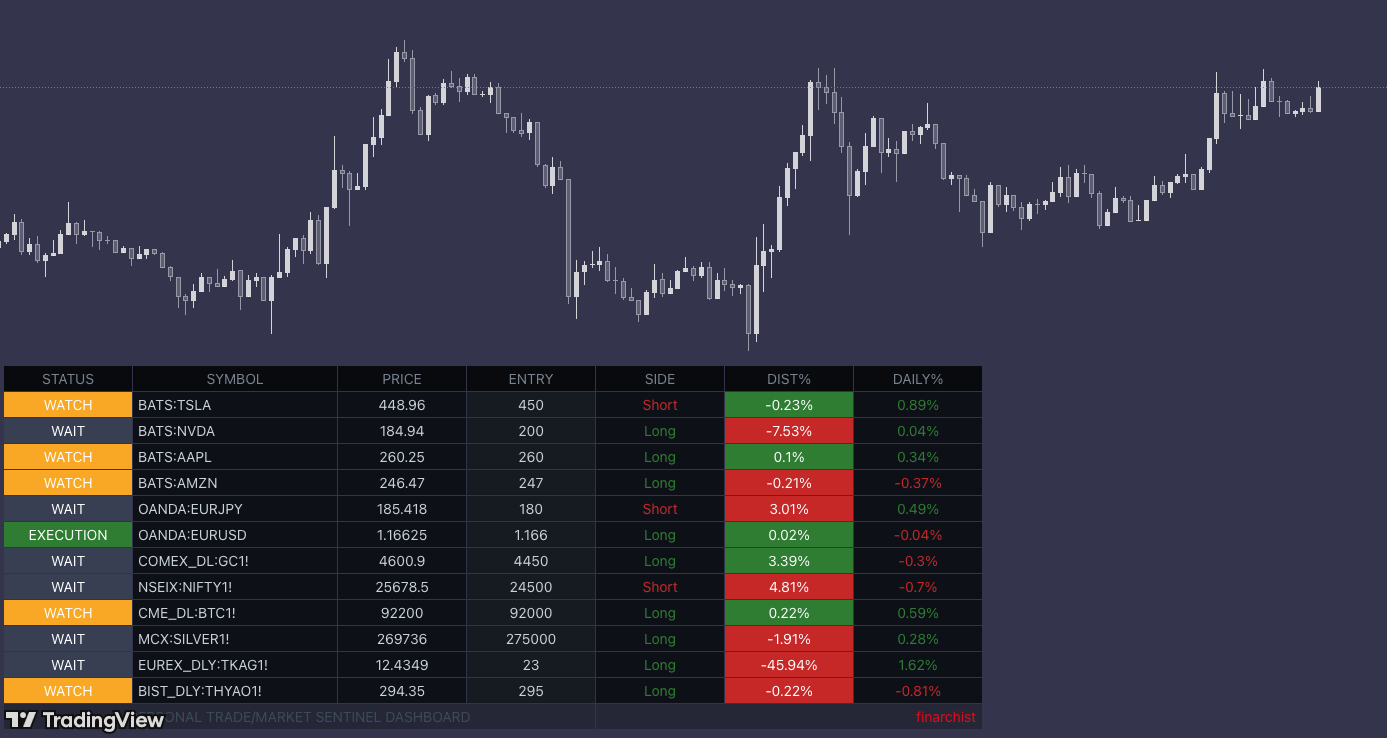
As a trader, the fear of "missing out" on an opportunity in another chart is very real. This tool is like a silent market sentinel or a personal radar system constantly running in the corner of your screen. While you're intensely focused on your Bitcoin chart, this radar is quietly monitoring gold, silver, or all your tracked stocks in the background.
Sign up
Select and start
To sign up, select a indicator from our website and contact us to purchase. Check your email for confirmation. For any assistance, reach out to us at finarchist@gmail.com or via social media accounts.
* For membership and purchase options, please visit our Whop page.
Setup
TradingView Setup
After purchasing a indicator and following the links in your membership email, make sure to refresh your TradingView completely.
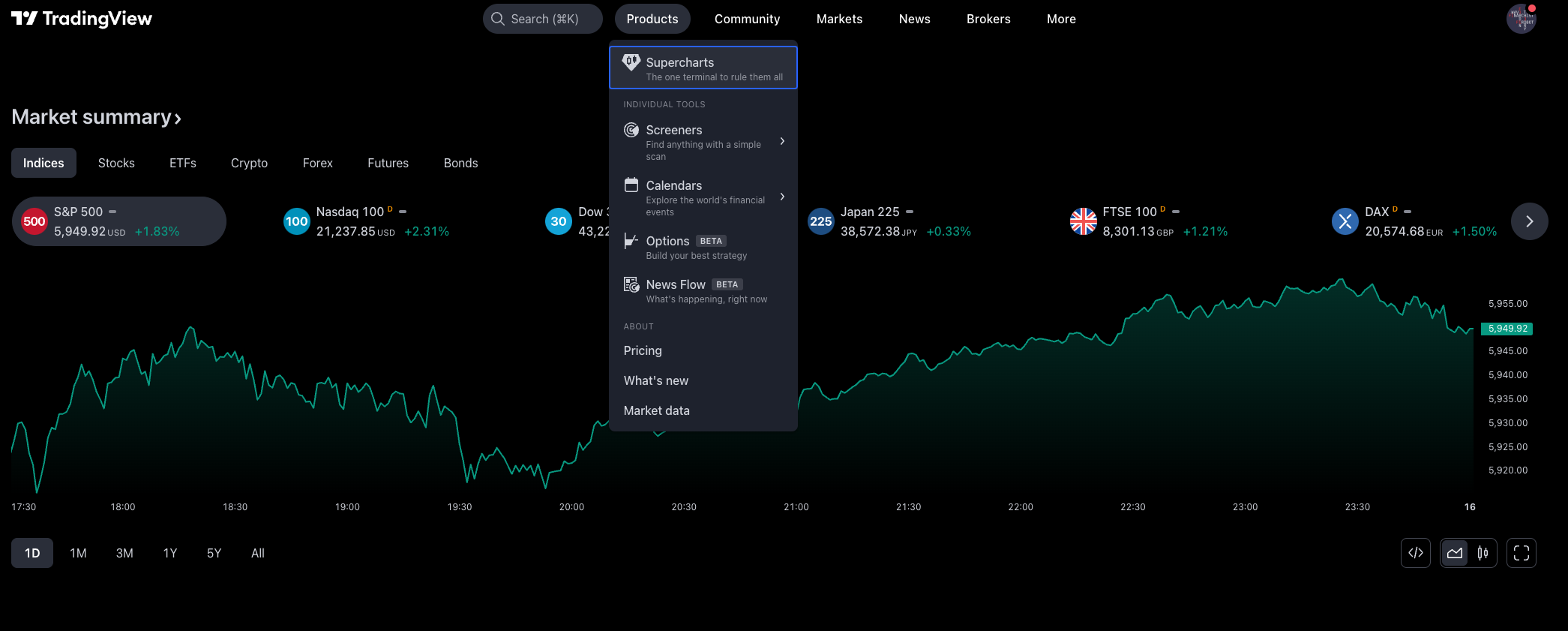
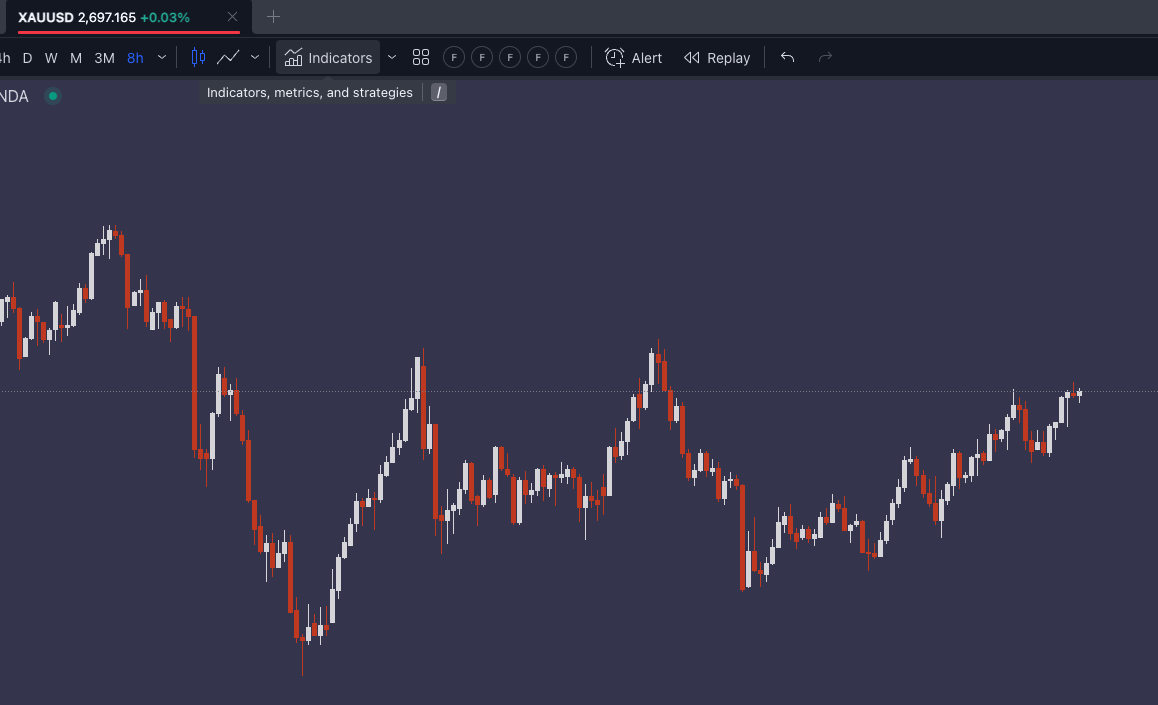
Then, go to the Chart section in TradingView and access the Indicators dropdown in the menu bar.
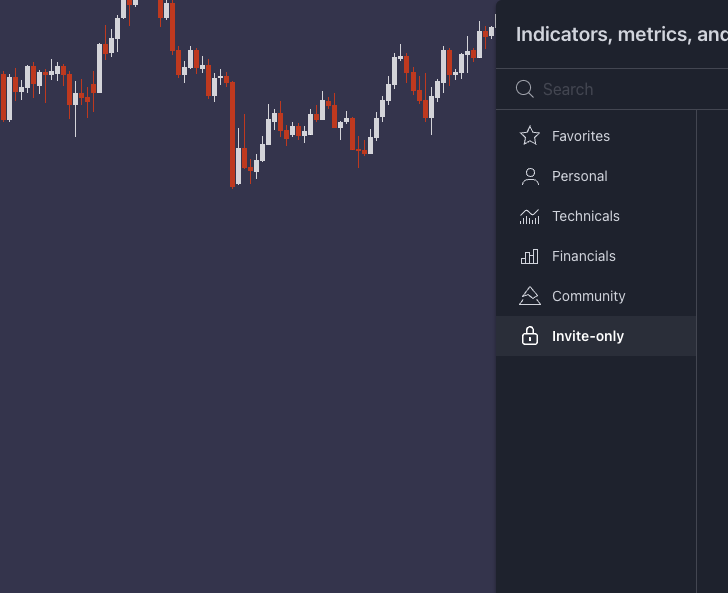
Scroll down to the Invite-only scripts section, where you will find the finarchist indicators as a member. Add these indicators to your favorites for convenient access whenever needed.

Support
Personalized Solutions
For the best developments and demands tailored to your trading needs and strategy, we recommend that you contact us. You can contact us for questions and problems regarding the use of our solution sets.
We’re here to assist traders, brokers, developers, platform providers, and educators. Contact us at finarchist@gmail.com